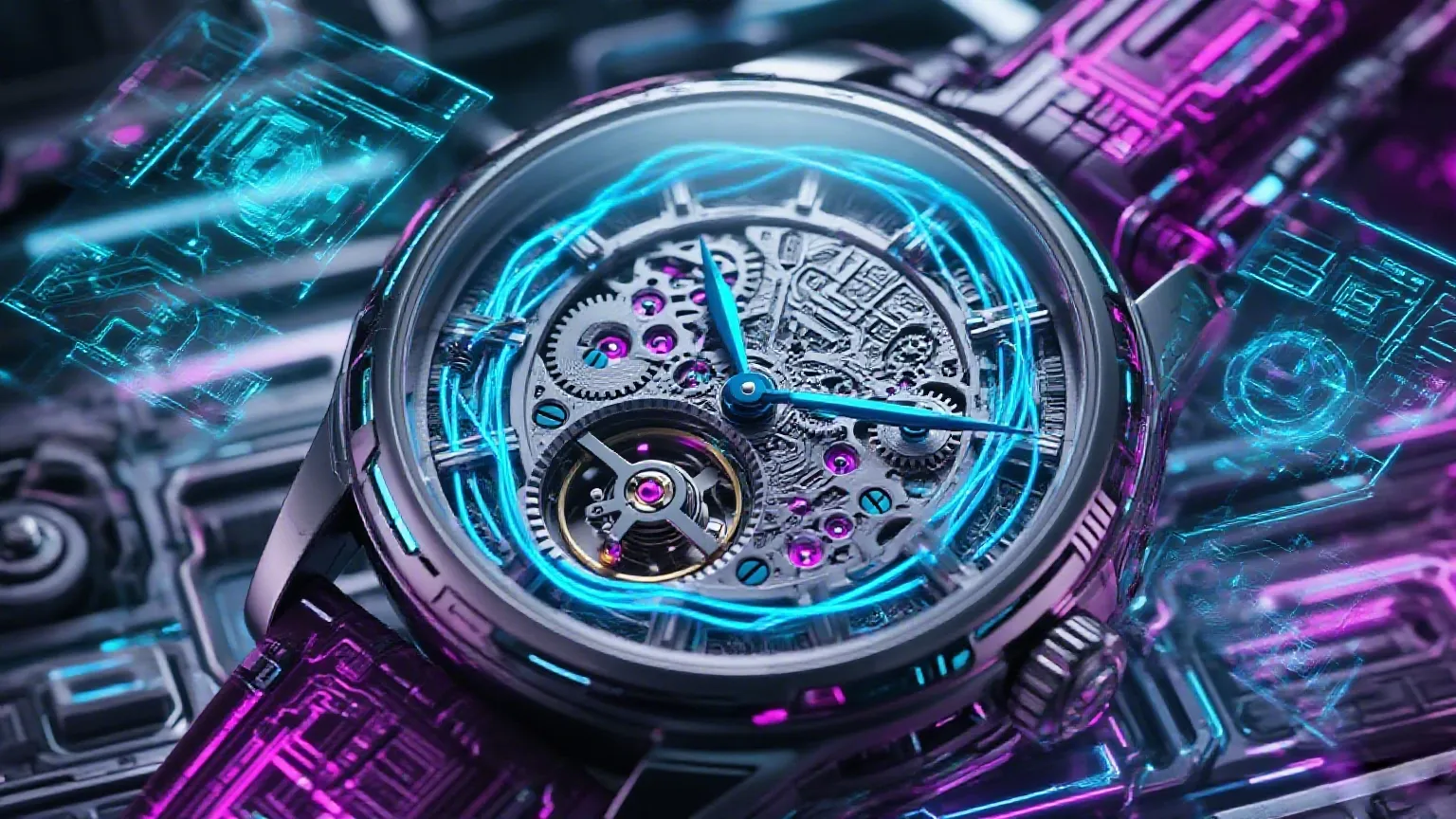
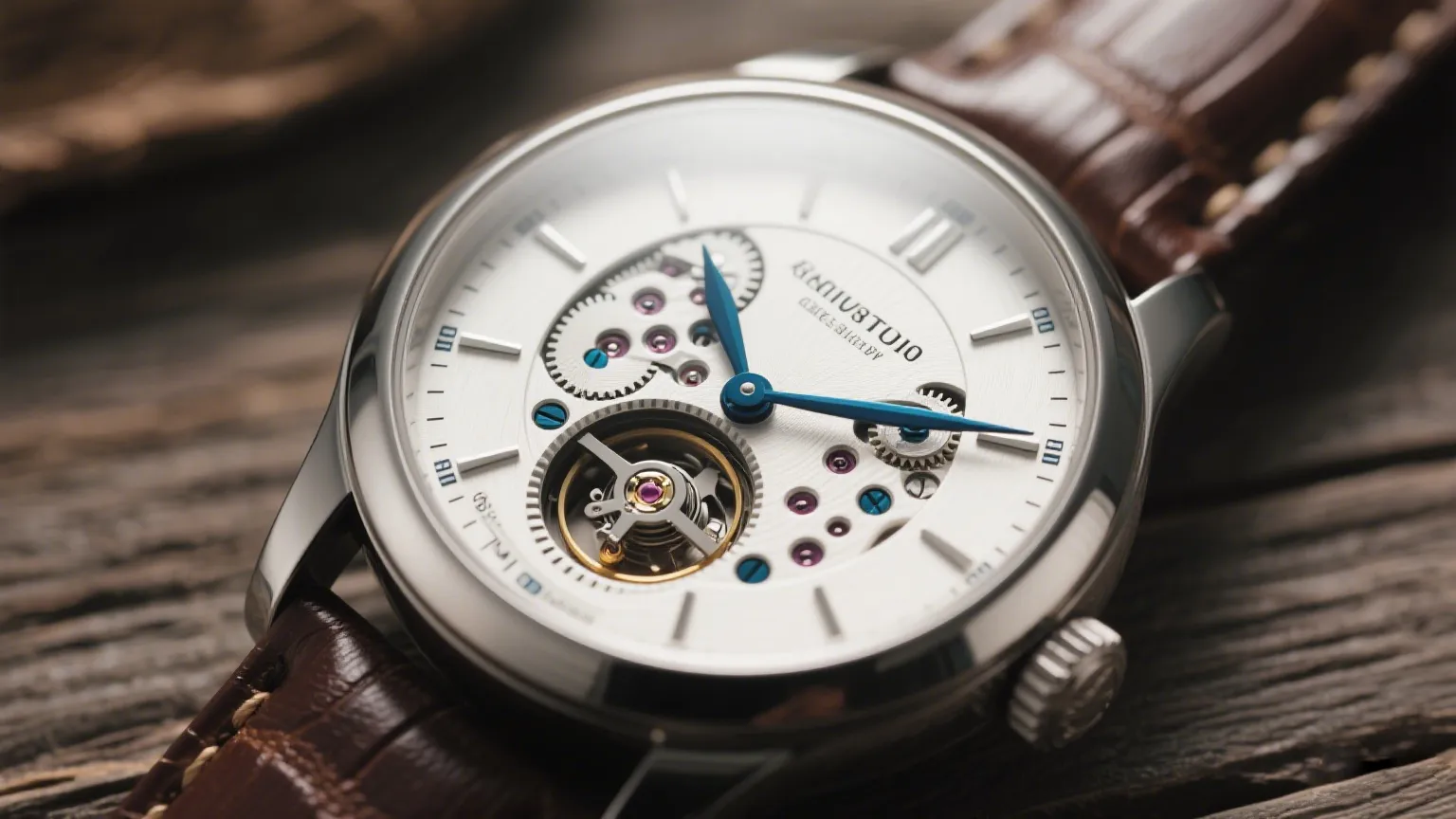
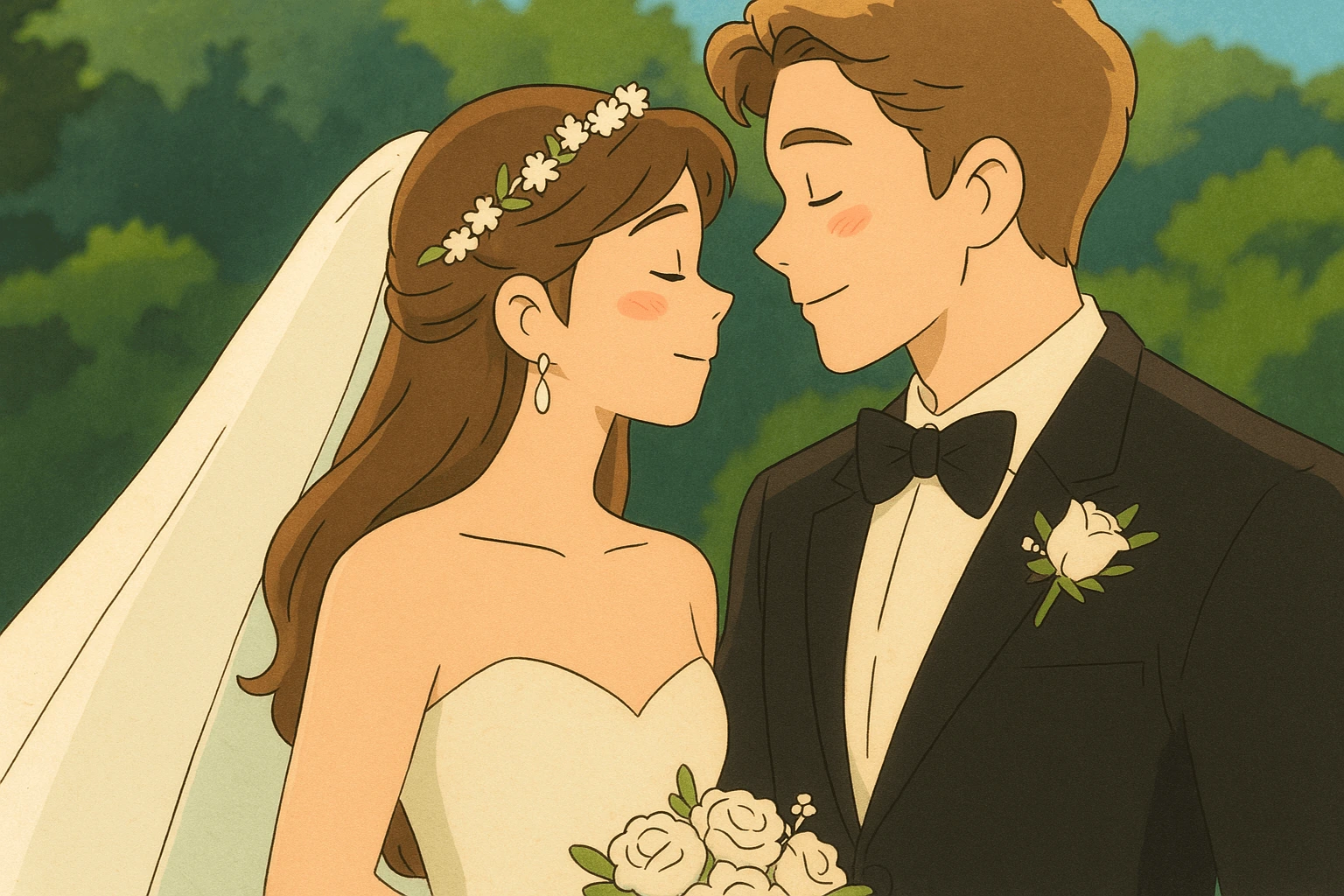
Wan 3.0As low as$0.05per video

Text, image, and effects in one studio

Creovox AI
Start free

AI Video Generator for Creators, Marketers & Businesses

Create AI videos from text, scripts, images, and campaign ideas. Generate text-to-video, image-to-video, and effects without switching tools.

Kling 3.0 Wan 3.0 Seedance 2.5 Veo 3.1 HappyHorse SkyReels

NewWan 3.0

Use Creovox for a social clip, product demo, ad, explainer, or short cinematic scene, then refine the prompt in the same workspace.

  • Kling 3.0
  • Wan 3.0
  • Seedance 2.5
  • Seedance 2.0
  • Veo 3.1
  • HappyHorse 1.1
  • SkyReels V3
  • Wan 2.6

AI generated videos

Explore sample clips for style effects, image animation, and short-form scenes you can recreate in Creovox.

One AI video workspace. Multiple ways to create.

A video rarely starts as a blank prompt. You may have a product image, a script, an existing clip, or only a rough idea.

Creovox turns those starting points into video inside one studio.

01

Text to video

Describe the subject, action, place, camera, light, and mood, then generate a clip from that prompt.

Fit for social cuts, product concepts, explainers, and cinematic tests.

02

Image to video

Upload a still, describe the motion, and generate video from the photo or product image you already have.

Use it for product showcases, ads, and posts that need movement without a new shoot.

03

Video effects

Restyle or animate a visual with supported effects, then try another model when the first pass is close.

Keep image edits, motion, and new versions in the same workspace.

Image to video AI generator

Turn still images into moving clips. Upload a photo, add a motion prompt, and generate video for social posts, ads, and product showcases.

Image to video sample
Cozy toon wrap
Scarlet and snow
Spark in the snow

Text to video AI generator

Describe the shot and generate video from text. Use it for short films, marketing videos, explainers, demos, and social content.

Building sweater
Coronation of frost
Particle surround
Santa express

AI video effects and image animation

Animate a photo or push a still into a new look. Apply effects when you need a more expressive frame for a social post.

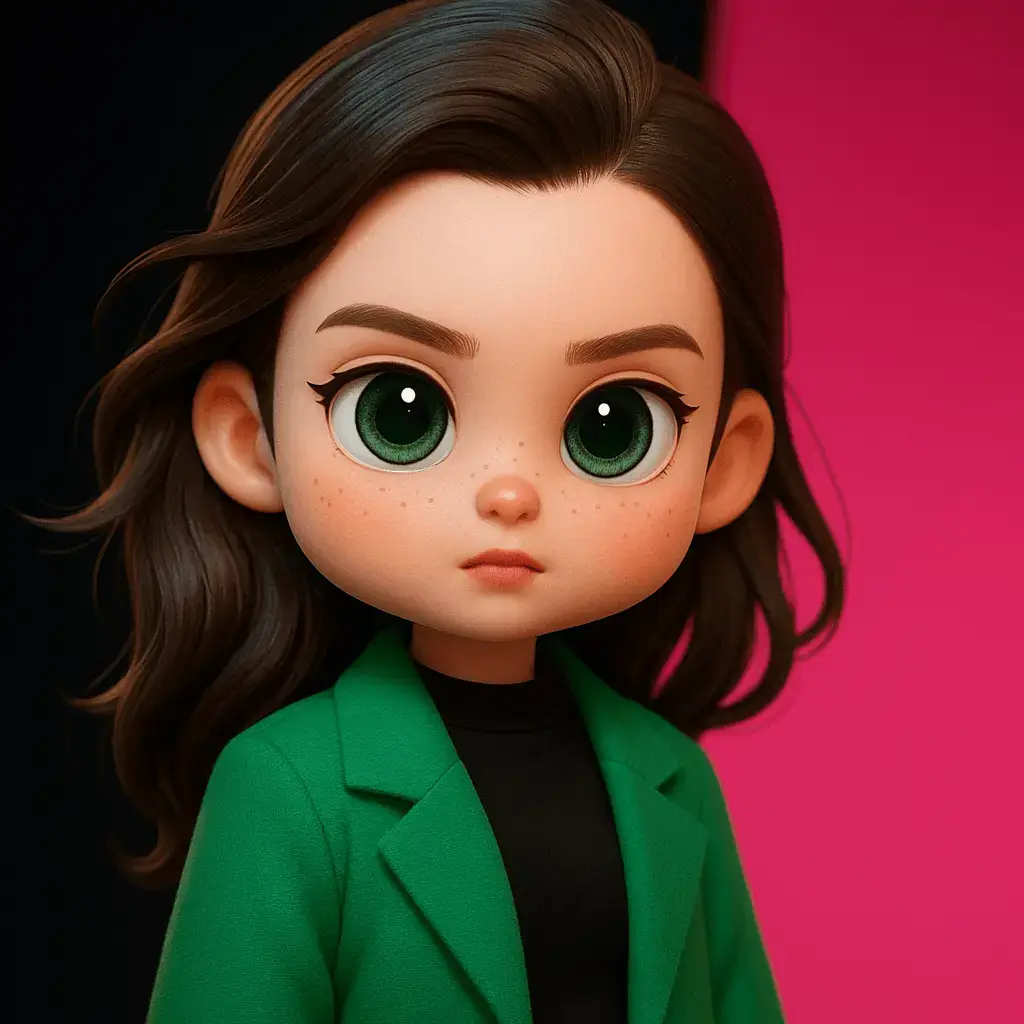
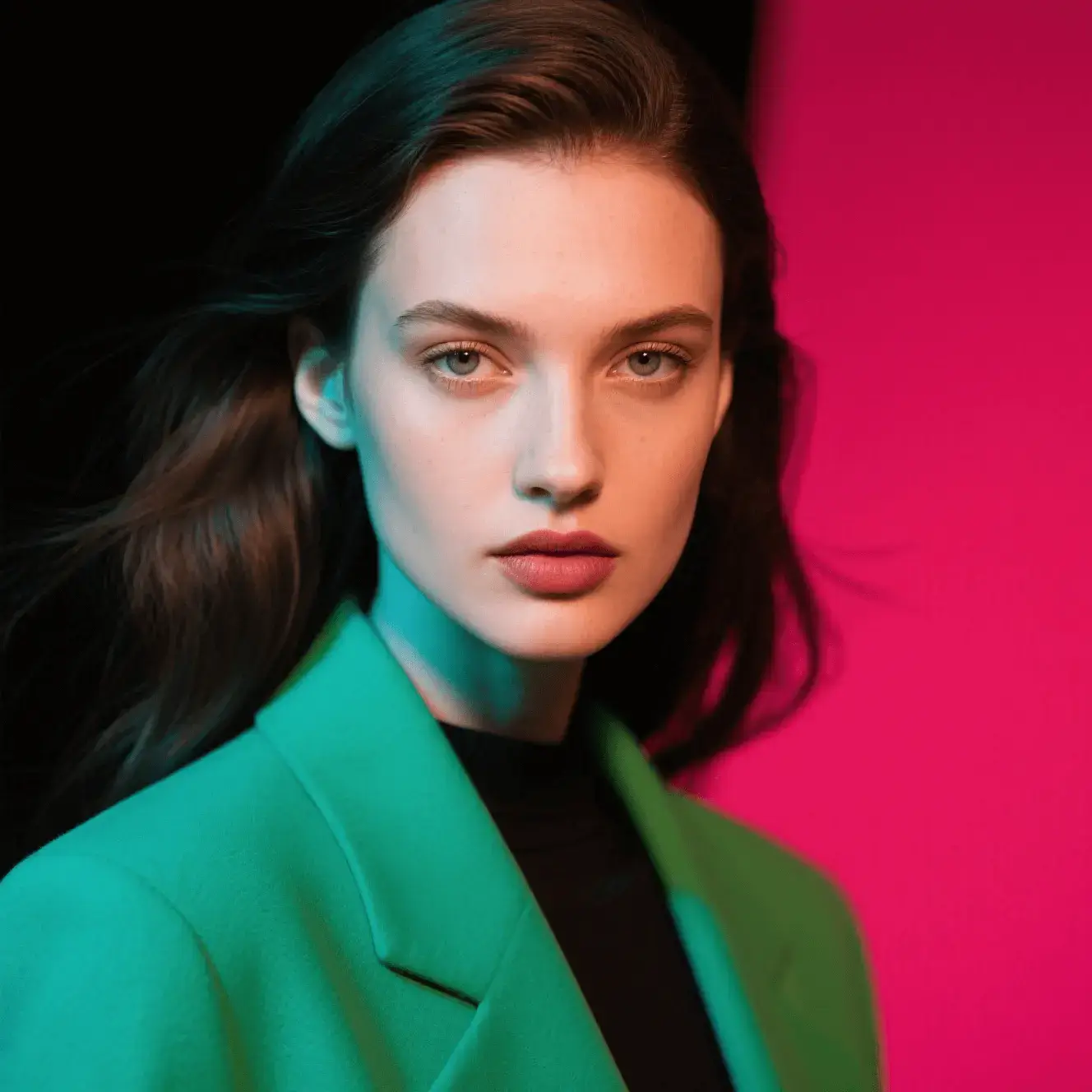
AI video effects and image animationBeforeAfter

AI video maker for social, ads, and products

Build ad concepts, short films, product spots, and campaign cuts from a prompt or a photo you already own.

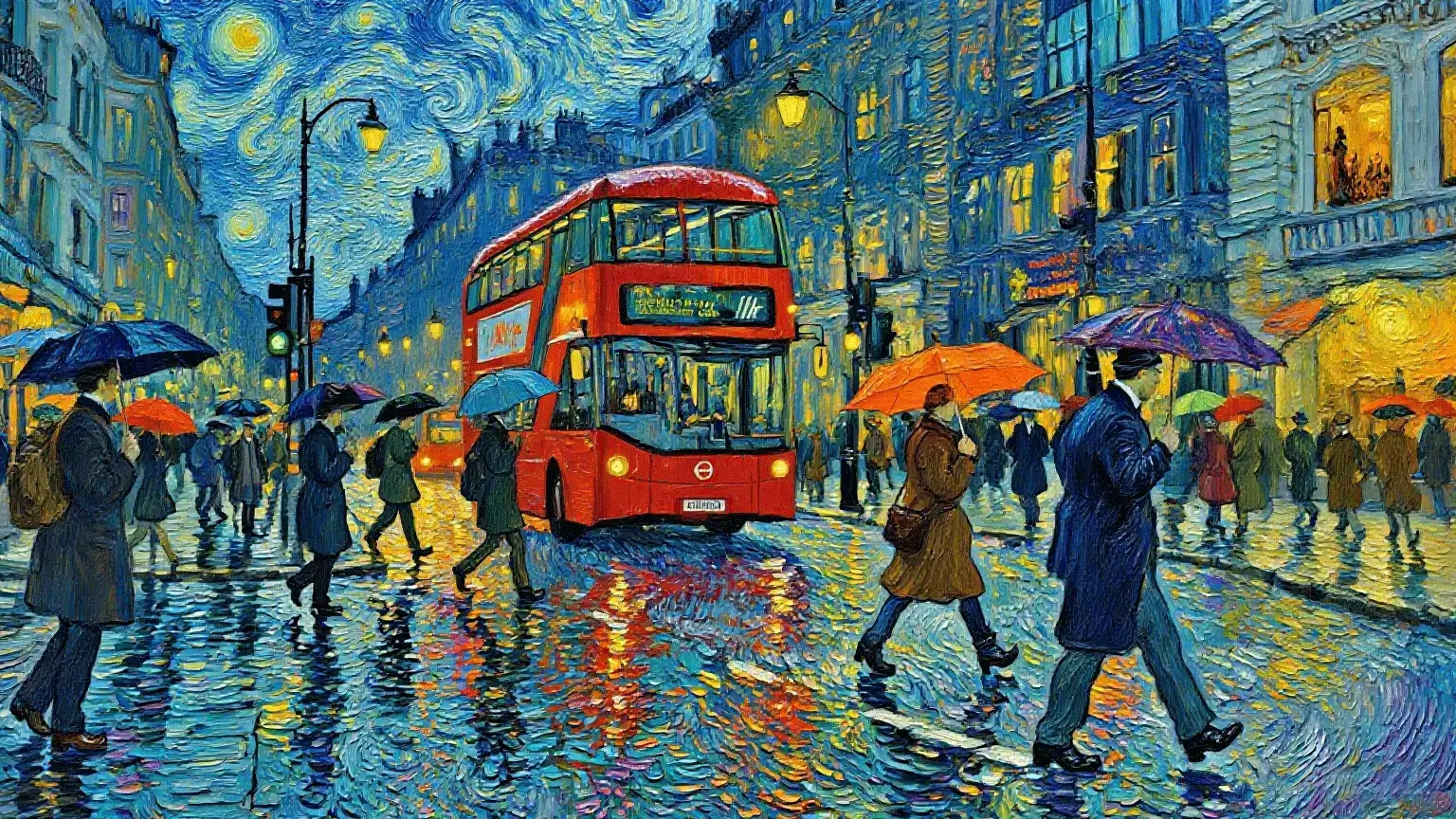
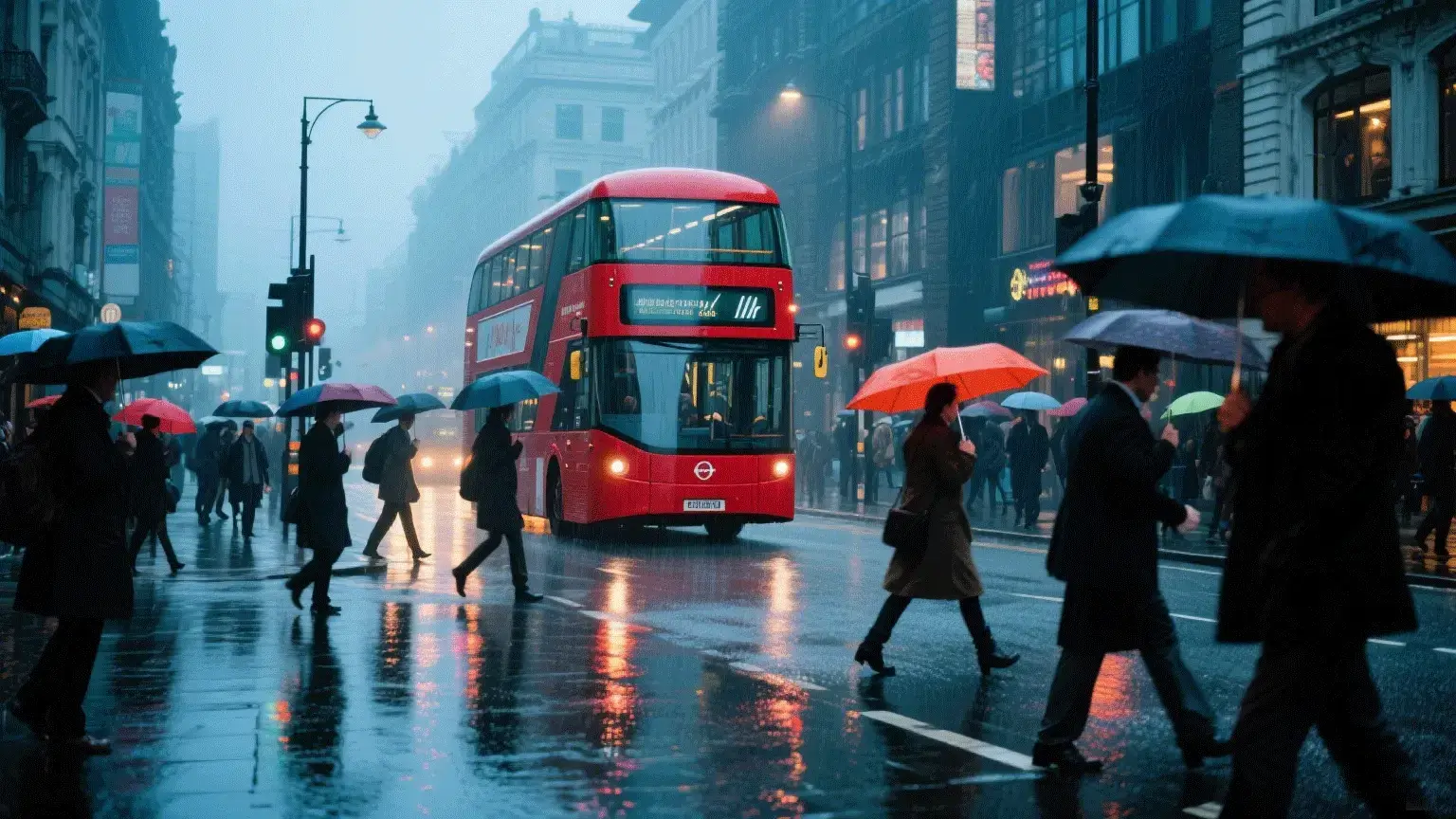
AI video maker for social, ads, and productsAI video maker for social, ads, and productsAI video maker for social, ads, and productsAI video maker for social, ads, and products

Create more than a disposable clip

An AI video generator is useful when it helps you move from an idea to a version you can review and publish.

Videos from scripts

Turn a script, product description, or campaign line into a visual starting point.

Product videos

Move from a product photo and a short description to a showcase or ad concept.

Social videos

Draft cuts for YouTube Shorts, TikTok, Instagram Reels, and other short-form placements.

Video ads

Test hooks, scenes, and product angles before you commit to a full production.

Cinematic scenes

Call out camera, light, place, and motion when you want a more directed shot.

Example prompt

Write the shot the way you would brief it

Name the object, the motion, the light, and the finish. Change the part that is wrong on the next pass.

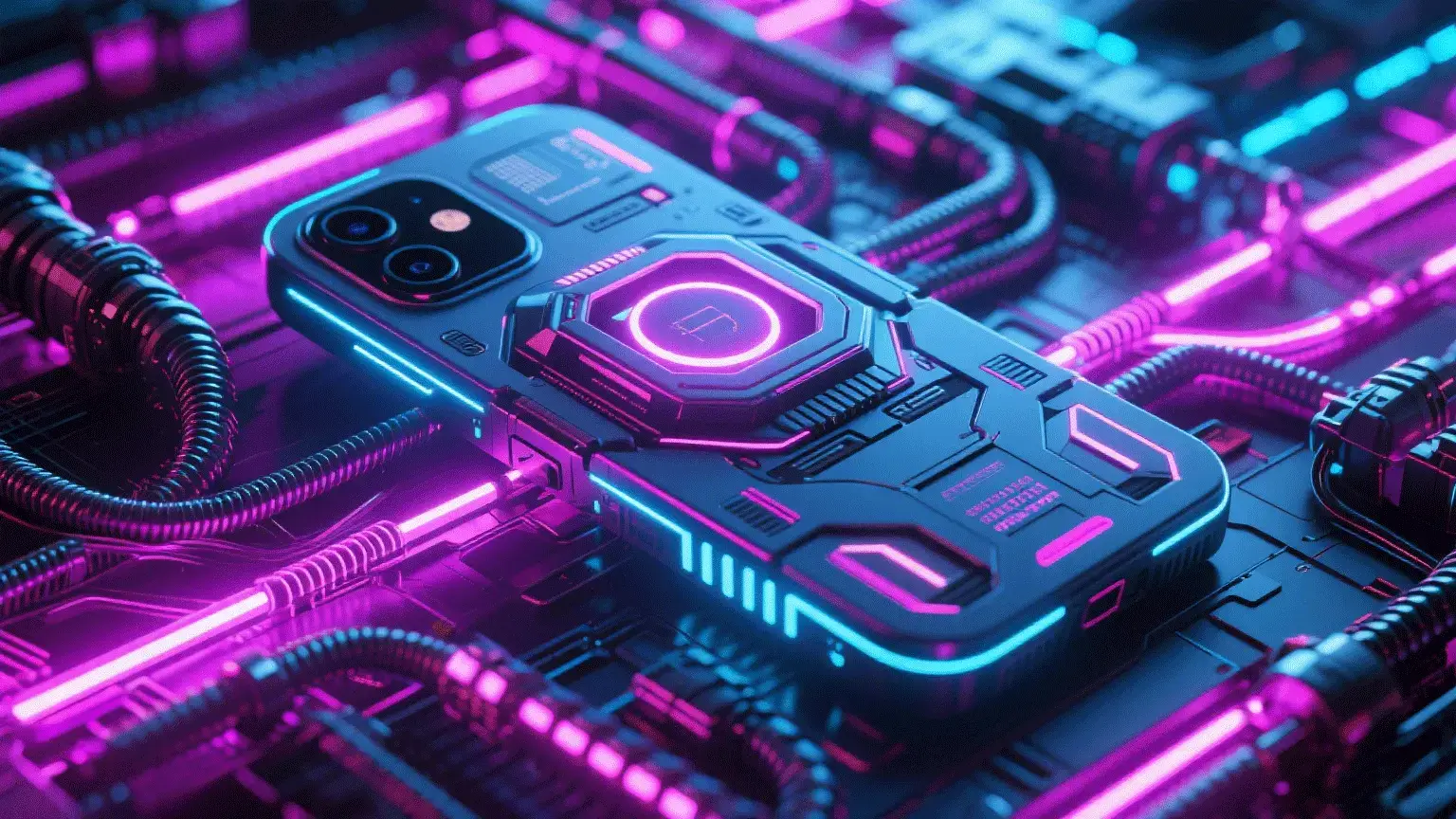
A sleek smartphone floating in mid-air, slow rotation, glowing particles, dark gradient background, cinematic product lighting.

Why Creovox keeps several video models together

Models behave differently depending on the prompt, motion, style, and reference image. One workspace lets you compare them on the same idea.

  • Text or image input
  • Motion
  • Visual style
  • Camera direction
  • Subject consistency
  • Product presentation
  • Resolution
  • Duration
  • Aspect ratio
  • Credits on your plan

Choose the model that fits this project. No single model is the right default for every shot.

Turn an idea into video in four steps

  1. 1

    Start with the idea

    Enter a prompt, script, product description, or upload an image for an image-to-video run.

  2. 2

    Choose a model

    Pick from the video models currently available in Creovox, including Kling, Wan, Seedance, and Veo.

  3. 3

    Set the shot

    Adjust length, aspect ratio, resolution, prompt, and reference media when the workflow offers those controls.

  4. 4

    Generate and refine

    Review the clip, change the prompt or model, and generate another version.

AI video is iterative. The goal is a faster next attempt, not a promise that the first render is final.

What makes a useful AI video prompt?

You do not need a complicated formula. Describe the parts of the shot that actually change the picture.

Subject

What should be in the frame?

Action

What is happening?

Environment

Where does the scene take place?

Camera

How should the camera move or frame the subject?

Lighting

What kind of light should shape the shot?

Style

What finish do you want: commercial, cinematic, illustrated, or something else?

For example

A premium smartphone rotating slowly above a dark studio surface, rim light, soft reflections, slow orbit, shallow depth of field, luxury commercial finish.

I know the scene, not the prompt.

Write it in plain language first. Then add subject, action, camera, light, and motion.

The clip does not match what I pictured.

Change the prompt, the reference image, the camera line, or the model, then generate again.

I do not want five video subscriptions.

Creovox puts supported models and workflows in one studio so you can test them on the same idea.

I need more social content.

Make one visual direction, then vary the hook, crop, and scene for each placement.

I have product photos and no video.

Start with image-to-video and turn a supported product image into a moving showcase.

AI video for creators, marketing, and business

For content creators

Draft YouTube, Shorts, TikTok, Reels, and story-led experiments from a prompt, image, or script.

For marketers

Test campaign visuals, product clips, and ad concepts without starting every version from a blank timeline.

For ecommerce brands

Use the product images you already have for showcases, promotions, and social ads.

For agencies

Explore directions for a client, then produce variations from the same core idea.

For filmmakers

Test camera, light, place, and motion as another tool in previsualization, not a replacement for direction.

How teams use an AI video generator

I draft three social cuts from one product photo, then keep the version that matches the hook.

Content creator

We test ad openings in the studio before we book a shoot for the idea that actually holds.

Marketing lead

Image-to-video lets me show a still concept moving, which is easier to review than another static board.

Designer

I switch models on the same prompt when the motion or the face consistency is the part that failed.

Producer

A single scene can become a 9:16 cut and a wider cut without rebuilding the brief.

Social manager

We can put a product explanation on screen before we have a production crew.

Founder
$0.05Starting price per video
3Ways to start: text, image, effects
9:16Shorts, Reels, and TikTok crops
16:9Wide explainers and demos
10Interface languages
1Workspace for the models you use

What is an AI video generator?

An AI video generator creates or transforms video from inputs such as a text prompt, an image, a script, or an existing clip.

Creovox combines text-to-video, image-to-video, and effects so creators, marketers, and businesses can try more than one path from the same idea.

Frequently asked questions

Yes. The text-to-video workflow turns a prompt, script, product description, or idea into a generated clip.

Yes. Upload an image, add a motion prompt, and generate video. Available controls can include aspect ratio, resolution, and duration.

Yes. Paste the script or a shorter scene description into the text-to-video prompt and generate from there.

Yes. Choose a vertical aspect ratio when the model offers it, then adapt the same idea for a wider cut if you need one.

Yes. Image-to-video is built for product showcases, promotions, and ad concepts that start from a still.

The studio includes models such as Kling, Wan, Seedance, Veo, HappyHorse, and SkyReels. Names and availability change as models are added.

Match the model to the input, motion, style, consistency, resolution, and duration you need. Try a second model when the first result misses the shot.

No. You can start from a prompt or an image. Editing experience helps later, but it is not required to generate the first clip.

Commercial use depends on your Creovox plan and the terms that apply to the model you used. Check the current plan and terms before you publish.

It varies by model, length, resolution, and queue. You stay in the studio while the clip renders, then review it in history.

Start creating with Creovox

You have the idea. Turn it into a video people can watch.